 Automotive Intelligence by Rockstar Autoworks
Bridging the gap between vehicle owners and workshops with trust, transparency and Automotive Intelligence.
One workshop. One app. One complete vehicle history.
xRAW powers the intelligent workshop experience at Rockstar Autoworks.
Before, during and after your workshop visit, xRAW connects you with your vehicle, your Rockstar team and your verified workshop journey. Rockstar works on your vehicle. xRAW connects you to every step.
Trackable, not guesswork
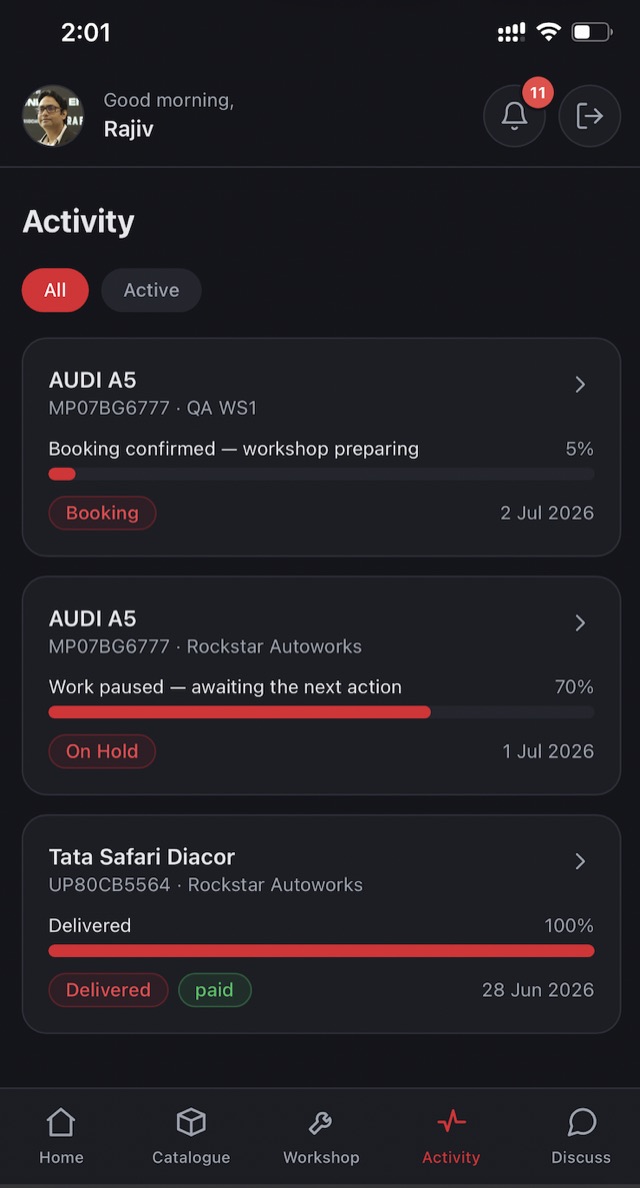
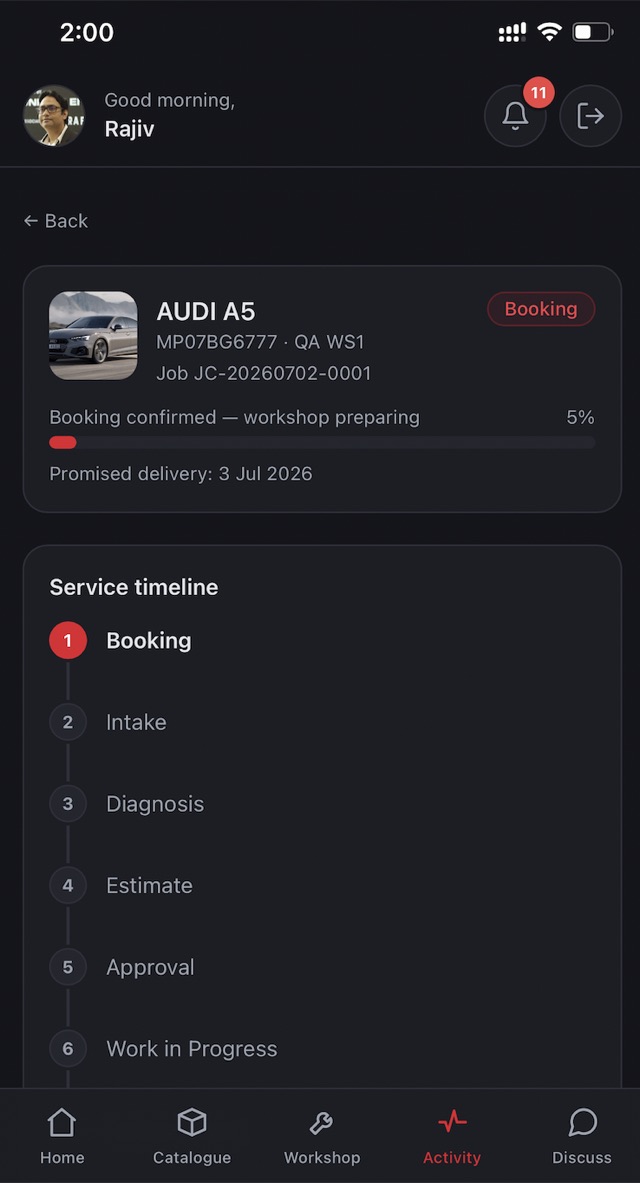
Every job moves through a visible pipeline — intake, diagnosis, estimate, approval, work, delivery — timestamped and photographed at each stage.
Secure by construction
Bank-verified UPI payments, role-scoped data access and an immutable audit trail on every approval, payment and record change.
Guided by AI, approved by people
xRAW AI explains diagnostics and history in plain language. Sensitive repair and financial decisions are always reviewed by qualified humans.
Everything your vehicle needs, in one account.
This page presents the xRAW customer experience: one connected account for booking, live workshop updates, approvals, payments and vehicle history.
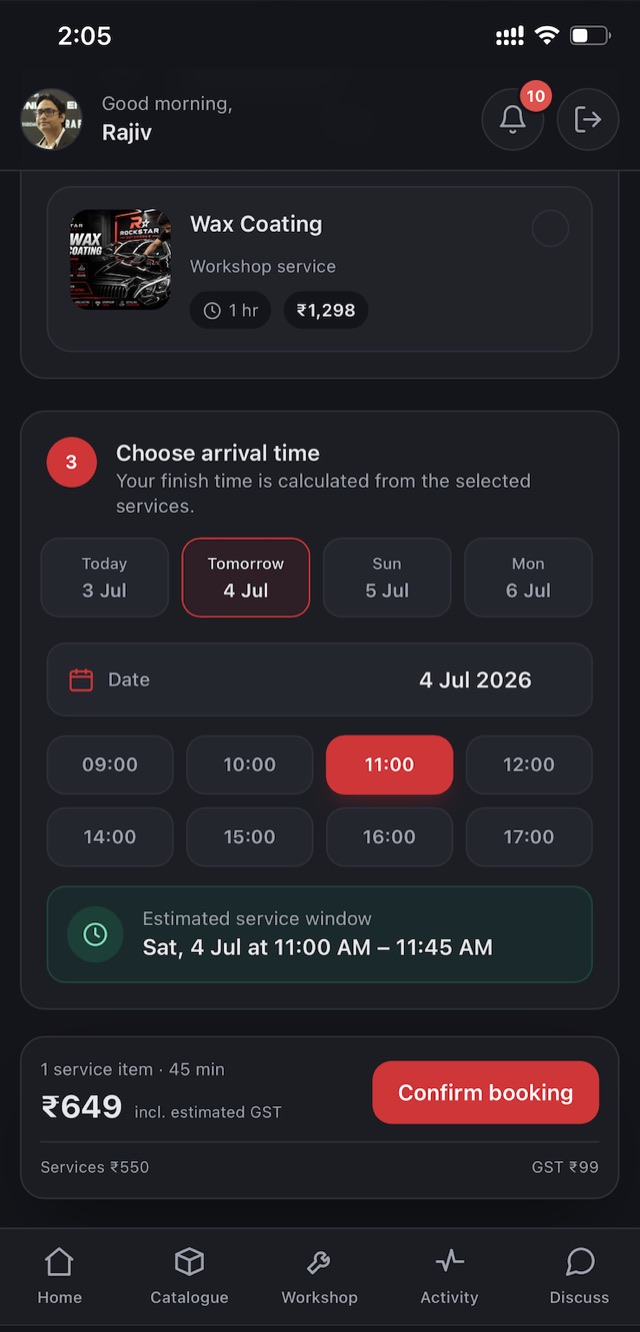
Advance booking
Pick a date and time slot before you arrive — your workshop is ready the moment you show up.
Doorstep pickup & drop
OTP-verified handover with odometer and condition photos, tracked live door to door.
Live job tracking
Watch your job move through every stage, like tracking a delivery — with photos on your timeline.
Instant approvals
Itemised estimates, approved with one tap. Work never starts without your say-so.
Secure UPI payments
A dynamic QR with the amount baked in — confirmed by the bank, never by hand.
GST invoices
Compliant tax invoices with GSTIN auto-fill for business owners, downloadable anytime.
Digital vehicle passport
Registration, specs, services, scans and photos — your vehicle's whole story on one timeline.
Ask xRAW AI
Plain-language answers from your vehicle's real records — humans review anything that matters.
Ask xRAW. Get real answers about your vehicle, instantly.
xRAW AI Agents read your vehicle's own verified records — service history, scans, job cards and specs — and explain them in plain language, the moment you ask.
Know your vehicle
Ask what a warning light means, when your next service is due, or what a past job actually did — xRAW AI answers from your own vehicle's real records.
Troubleshoot minor issues
Describe a noise, a smell or a dashboard alert and xRAW AI walks you through what it likely is and whether it's safe to keep driving — before you even book a visit.
Verified by Rockstar Technicians
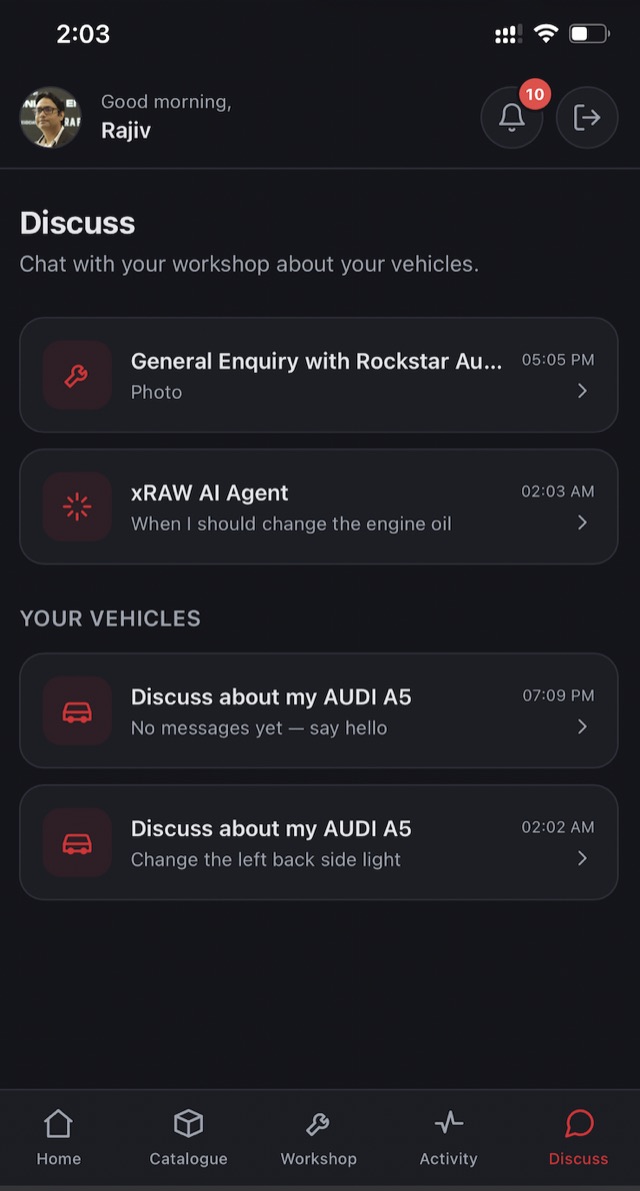
Every AI suggestion can be checked by a certified Rockstar technician — one tap in Discuss gets you a human, verified opinion before you act on anything serious.
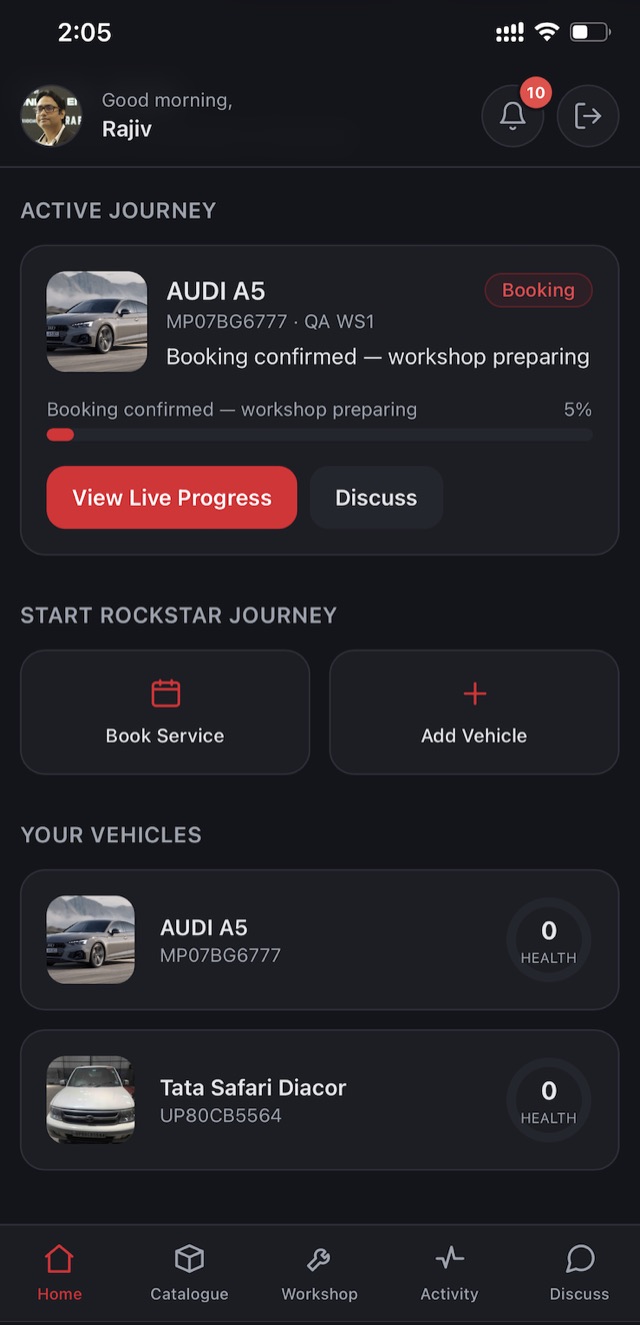
Your vehicle command centre
Everything important, immediately visible.
See active service journeys, vehicle health and the actions that need you — the moment you open xRAW.
- Live vehicle and service status
- One-tap access to every key action
- Personalised for your vehicles
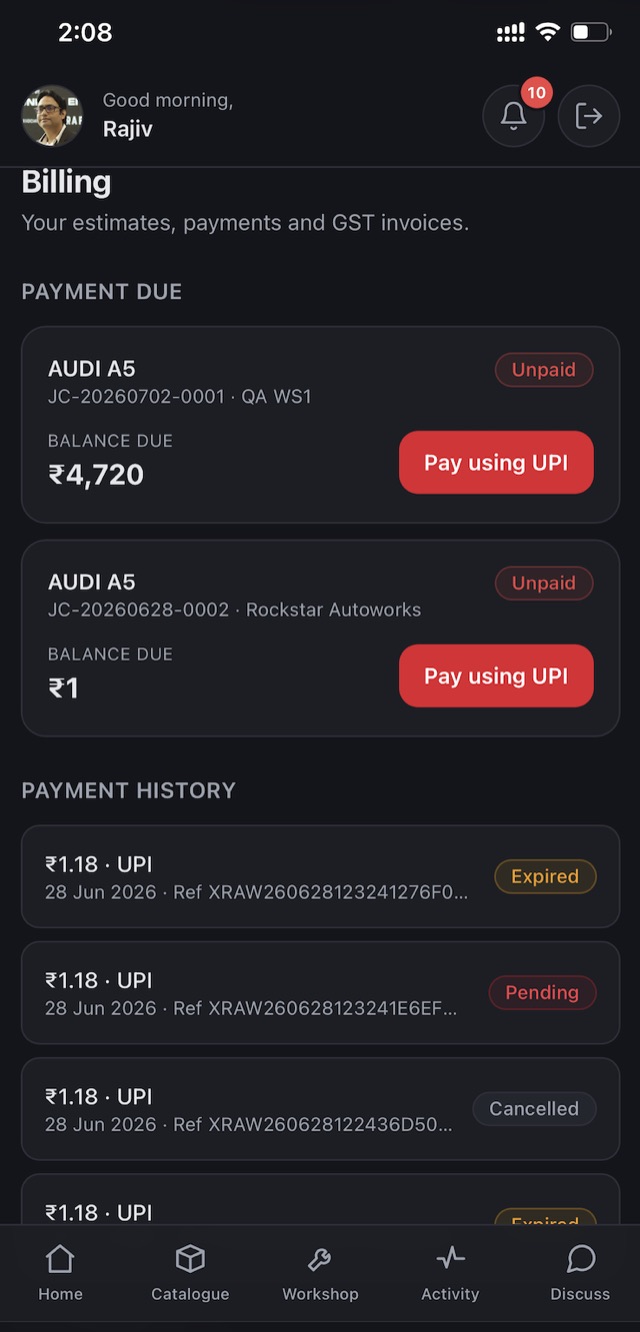
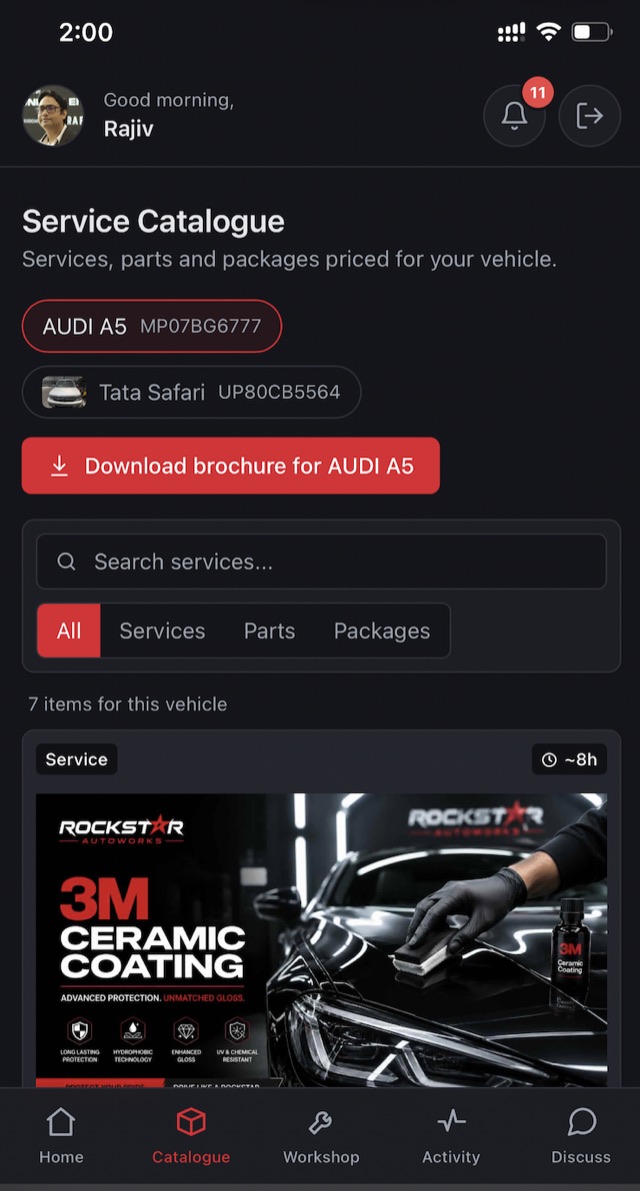
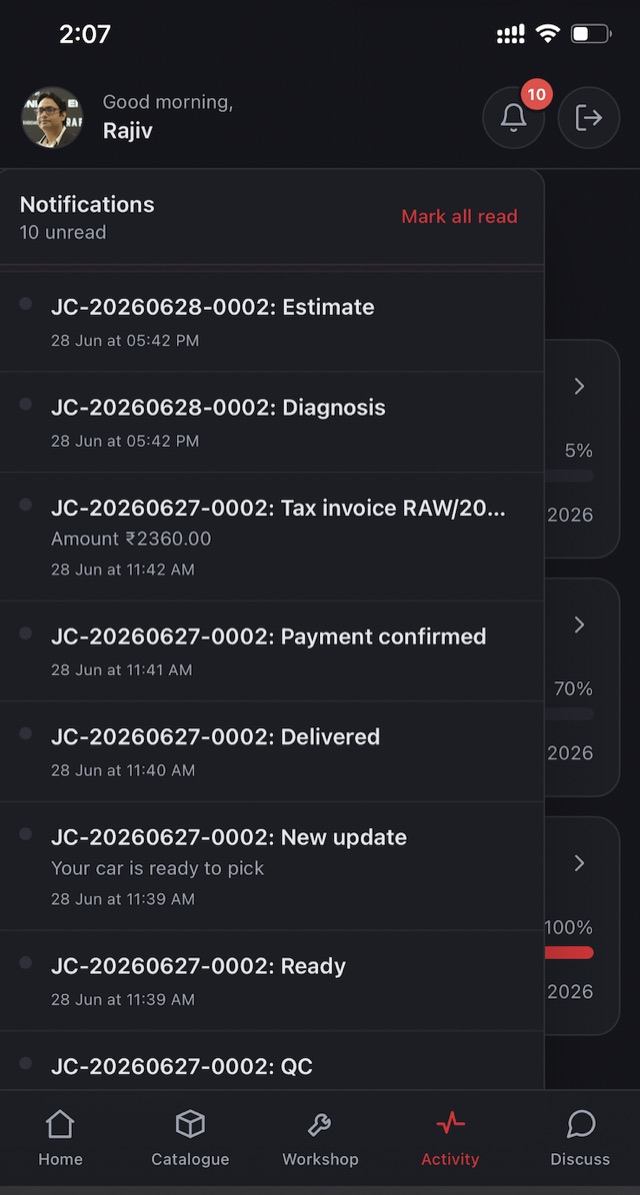
See how Rockstar care becomes an xRAW experience.
From booking to delivery, your workshop journey stays clear, connected and in your control.
Watch on YouTube ↗Automotive Intelligence, connected to the vehicle.
Meet the xRAW Scanner family. xRAW extends Automotive Intelligence from software into vehicle-connected diagnostic hardware, connecting verified scan data, vehicle diagnostics and the xRAW Vehicle Passport with Rockstar workshop workflows.
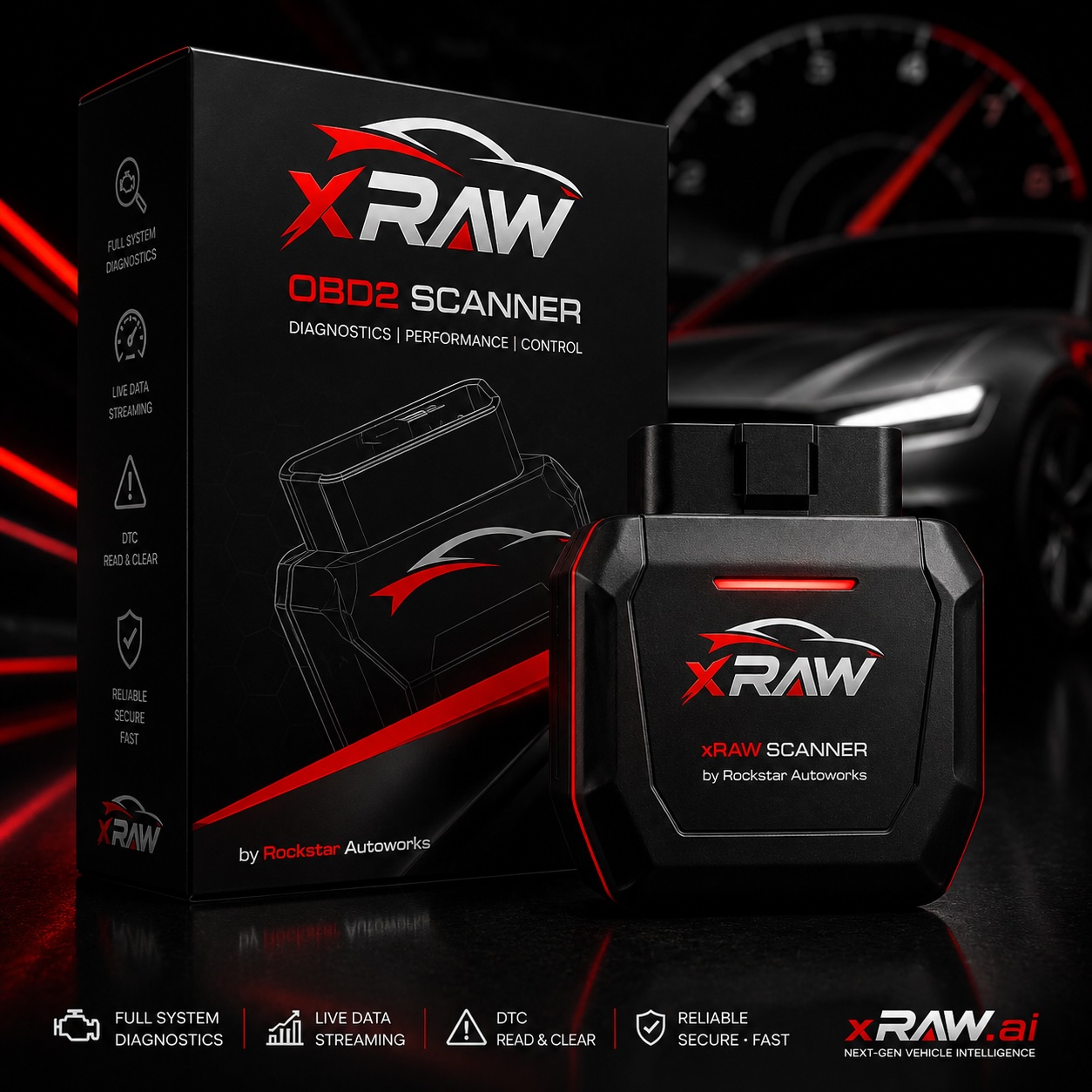
xRAW OBD Scanner
Everyday OBD-II diagnostics for petrol and diesel vehicles — compact, plug-and-play hardware built for quick health checks.
- Plug-and-play OBD-II port connection
- Live fault codes and sensor data
- Syncs straight into your xRAW passport
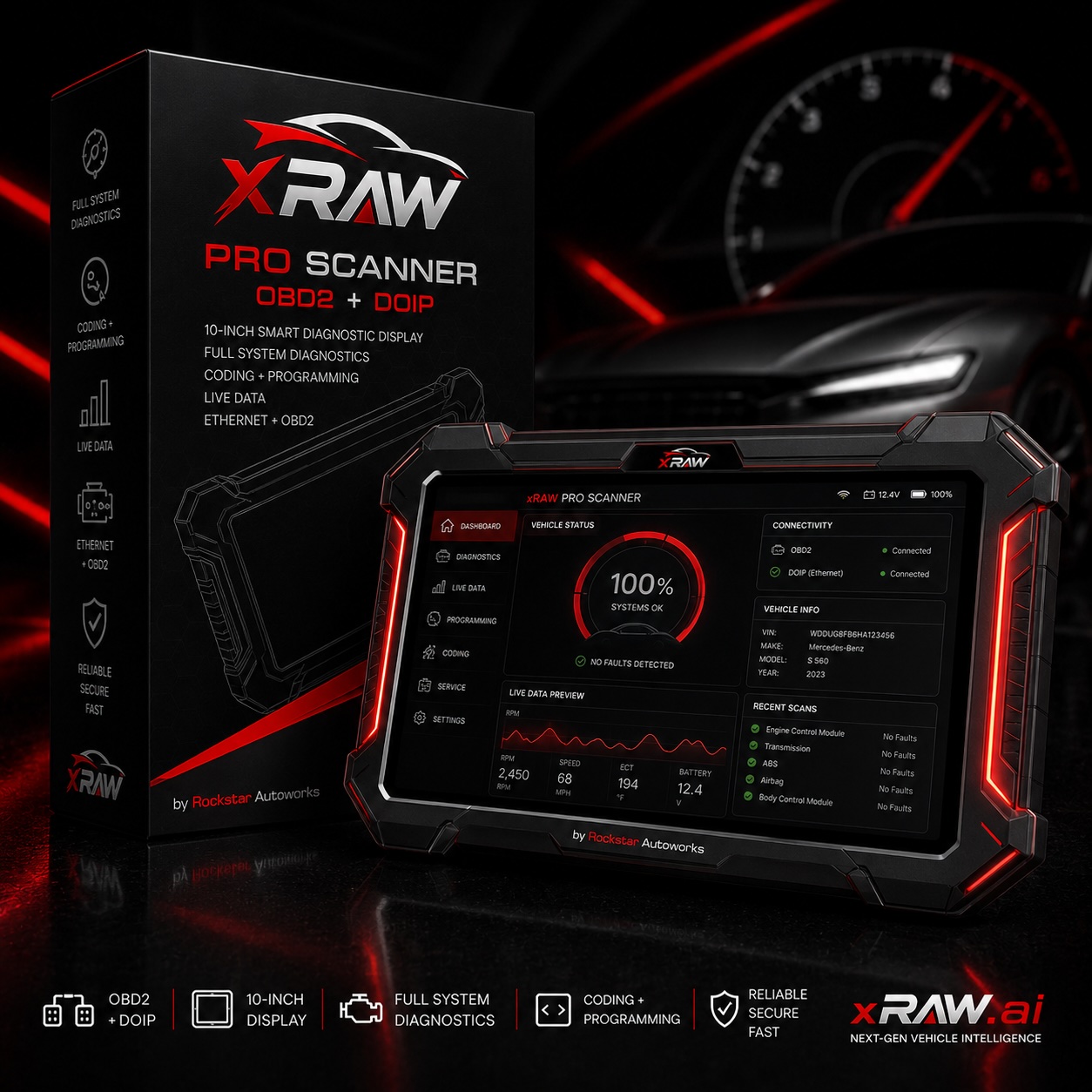
xRAW PRO Scanner
A workshop-grade scanner with deeper coverage — built for technicians who need more than a basic code read.
- Advanced multi-system diagnostics
- Deeper multi-system diagnostic detail
- Built for Rockstar technician workflows
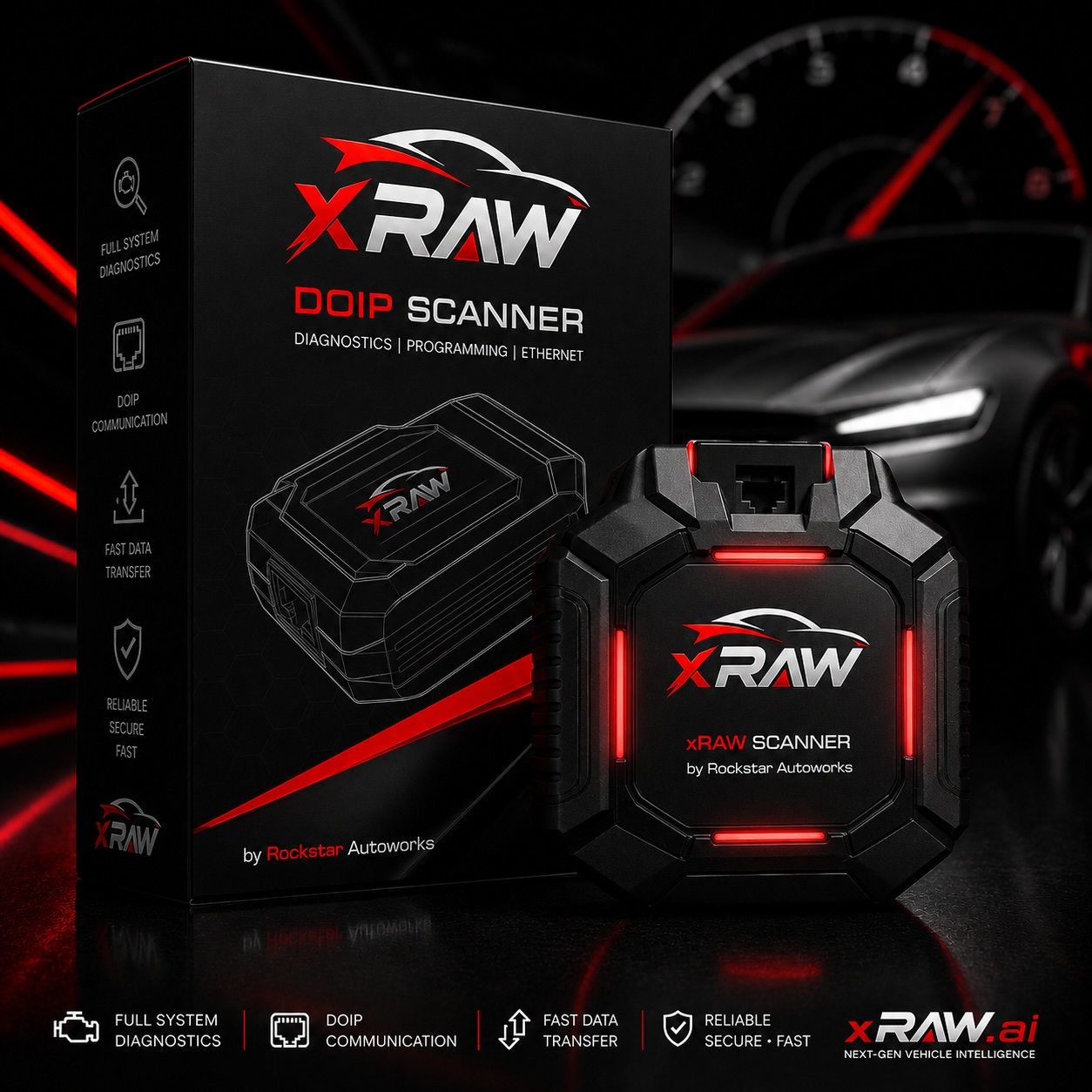
xRAW DoIP Scanner
Diagnostics-over-IP hardware for modern vehicle networks — ready for the newest cars entering Rockstar workshops.
- DoIP support for next-gen vehicle networks
- High-speed, Ethernet-based diagnostics
- Verified data straight into your service history
From sign-up to sold, on one timeline.
Create account
Sign up right here in under a minute.
Book or walk in
Pick a slot, or visit any Rockstar workshop.
Track live
Watch every stage from intake to delivery.
Approve
Review the itemised estimate, approve in one tap.
Pay securely
Bank-verified UPI, GST invoice on the spot.
Keep the passport
Every visit adds to your vehicle's verified history.
Role-scoped access
You see only your own vehicles, jobs, reports and invoices.
Immutable audit trail
Every approval, payment and access is permanently recorded.
Bank-verified payments
Payments are marked successful only when the bank confirms them.
Humans approve, always
AI explains and assists — people review anything consequential.
New here? Start with these.
Everything a first-time visitor asks about xRAW — what it is, what it does, and whether it's safe. Can't find your answer? Write to support@xraw.ai.
What does "xRAW" stand for?+
xRAW means Exclusive Rockstar Autoworks. It is the Automotive Intelligence technology behind the Rockstar workshop experience — connecting you, your vehicle and your workshop in one intelligent platform.
What does xRAW actually do?+
For Rockstar customers, xRAW brings the workshop journey into one connected experience. You can book service, follow your vehicle's progress, approve work, manage payments, access reports and keep a verified history of your vehicle.
How does xRAW make my life easier?+
No more phone calls to "check status," no more paper bills you lose, no more guessing what a workshop actually did. Everything — bookings, live updates, approvals, invoices, vehicle history — lives in one account you can check anytime, from anywhere.
How is xRAW different from other car-service apps?+
xRAW is not only a booking interface. It connects the vehicle, workshop workflow, verified service evidence, diagnostics, payments, AI and vehicle history around the Rockstar workshop experience — including live tracking with photos, itemised approvals and a permanent verified vehicle passport.
What can xRAW AI actually do?+
Ask it about your vehicle's history, what a warning light or job-card term means, or describe a symptom (a noise, a smell, a dashboard alert) and it will explain what's likely going on and whether it's safe to keep driving — all based on your own vehicle's verified records.
Does the AI make decisions about my vehicle or my money?+
No. xRAW AI explains and guides — it never approves work, charges you, or makes a repair decision on its own. Anything that matters (diagnosis, repair, payment) is always reviewed and confirmed by a person, either you or a qualified Rockstar technician.
Can a real technician check what the AI tells me?+
Yes — that's built in, not an afterthought. From Discuss, you can ask a verified Rockstar technician to confirm or correct any AI suggestion before you act on it, so you always have a human backstop for anything serious.
How is my data used with AI?+
xRAW AI only reads your own vehicle's records — its service history, scans and job cards — to answer your questions. Your data isn't sold, and access to it is role-scoped so only you (and the Rockstar staff working on your vehicle) can see it.
Is xRAW safe to use?+
Yes. Every approval, payment and record change is permanently logged in an audit trail, payments are only marked successful once your bank confirms them, and access to your data is scoped strictly to your own account and the Rockstar team helping you.
Is xRAW free for vehicle owners?+
Yes. Creating an account, booking service, tracking jobs, using Discuss with your workshop, using xRAW AI, and downloading reports and invoices are all free. You only pay your workshop for approved service work.
How do I start using xRAW?+
Tap "Create free account," sign up in under a minute at app.xraw.ai, add your vehicle, and you're ready to book your first service.
How do I use xRAW day to day?+
Book a service or walk into any Rockstar Autoworks workshop, then open xRAW to track the job live, approve the itemised estimate with one tap, pay securely by UPI, and keep the invoice and updated vehicle passport in your account.
Do I need to install anything?+
No. xRAW is a mobile-first web app — open it in any modern browser at app.xraw.ai. No app store, no storage used, always the latest version.
I ride a bike or scooter — is xRAW for me?+
Absolutely. xRAW supports cars, SUVs, bikes and scooters with matching service catalogues and the same verified digital passport.
Why does Rockstar Autoworks use xRAW?+
Rockstar Autoworks created xRAW as its Automotive Intelligence technology layer. It connects customers, vehicles and workshop operations so every service journey can be clearer, more traceable and supported by verified records, diagnostics and intelligent tools. Rockstar works on the vehicle. xRAW connects the experience.
How do I get help?+
Email support@xraw.ai, message your workshop from Discuss inside the app, or read the step-by-step guide at docs.xraw.ai.
Questions? We're easy to reach.
Support requests go to real humans on the xRAW team.
support@xraw.ai